Your workflow, supercharged
Versic integrates directly into how you already work. No new tools to learn, no extra steps to remember.
Versic understands your DAW
Unlike generic cloud storage, Versic understands project files where formats are inspectable, tracks session assets, and keeps your whole session folder organized around a portable media workflow.
What Versic sees in your .als project
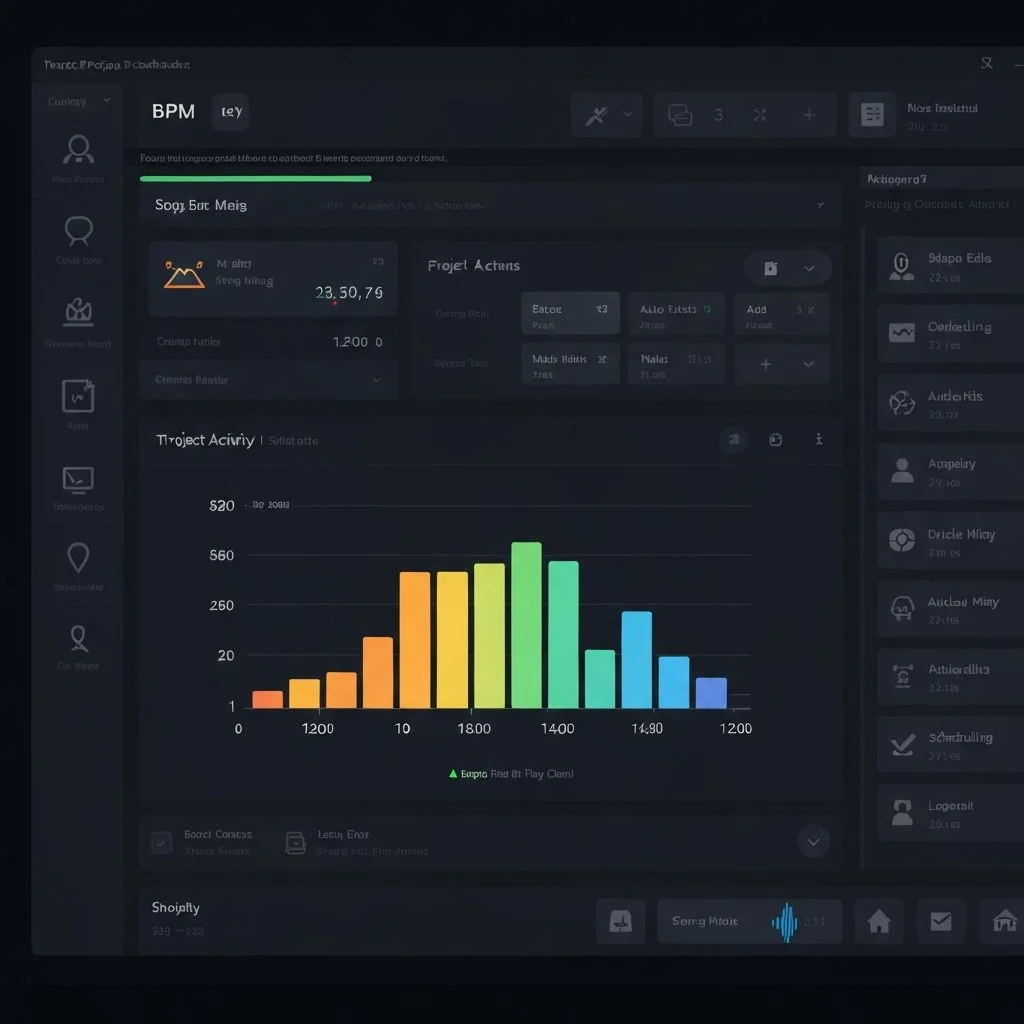
Extracted Project Metadata
What this enables
Smart Project Overview
See BPM, key, track count, and sample list at a glance without opening your DAW.
Asset Tracking
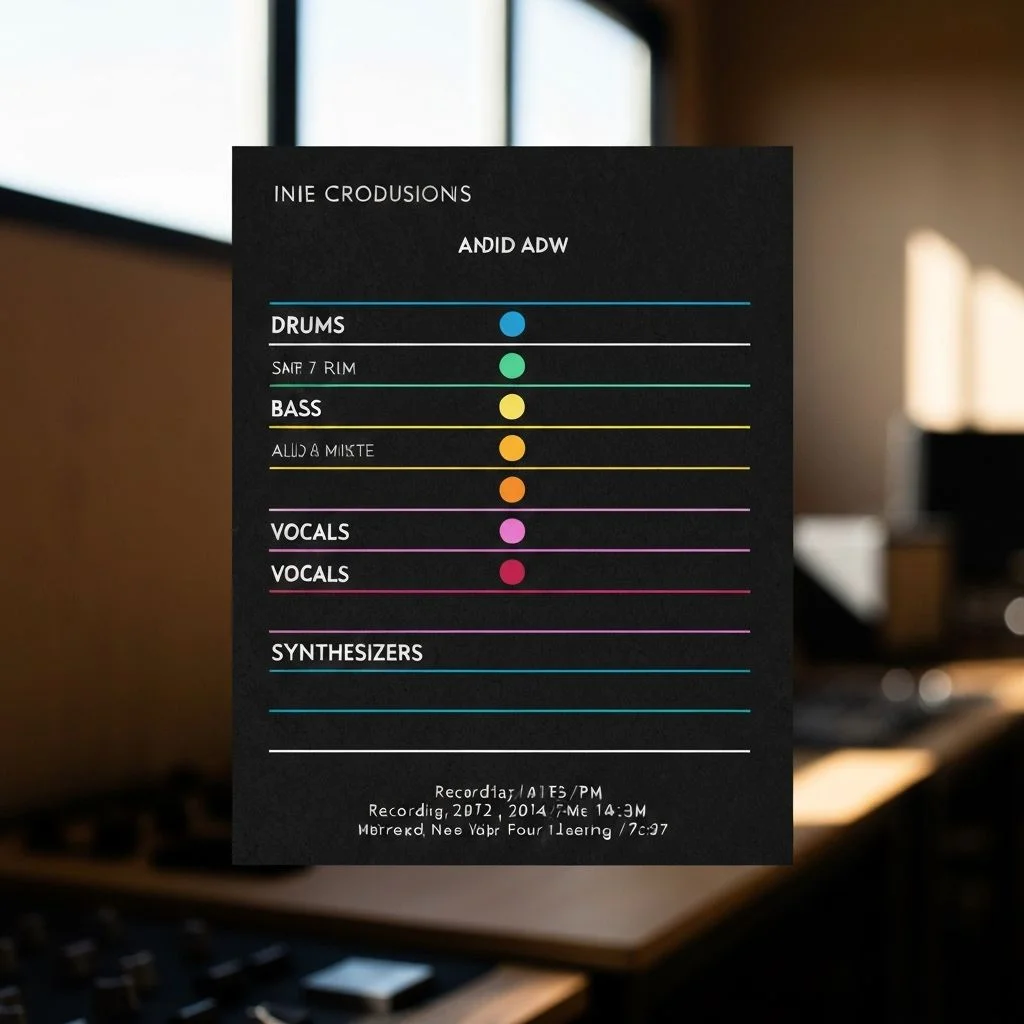
Every sample, stem, and bounce is tracked with lineage data. Know exactly what changed between versions.
Intelligent Search
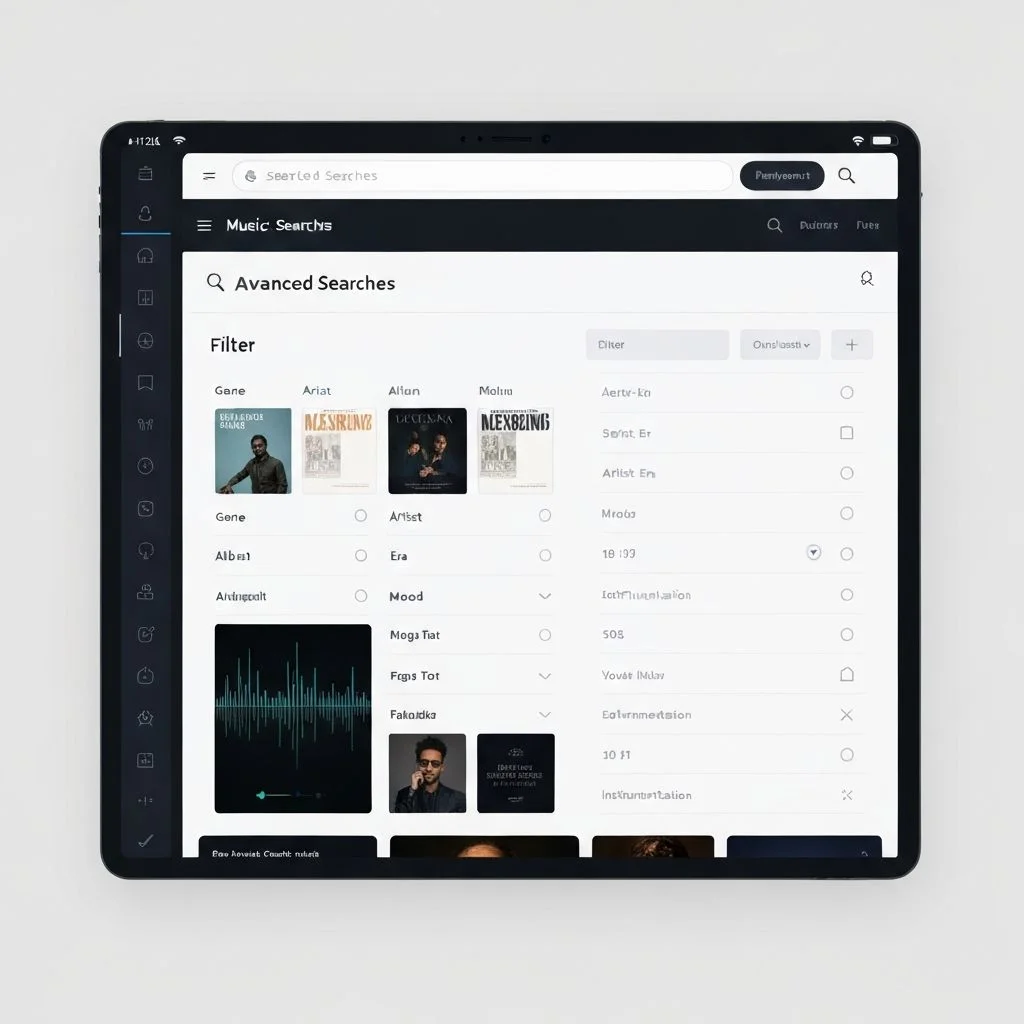
Search your library by BPM range, key, or included samples. Find that 120 BPM track in Am instantly.
Auto-Categorization
Projects are automatically tagged based on detected genre, tempo, and other metadata.
From zero to synced in minutes
A simple workflow that fits how you already make music.
Install the Versic app
Download our macOS app to get native Finder integration. It installs a File Provider extension that creates a Versic folder in your sidebar—just like iCloud Drive or Dropbox.
Don't want to install? You can still use the Versic web app for manual uploads, sharing, and all collaboration features.
Download Desktop App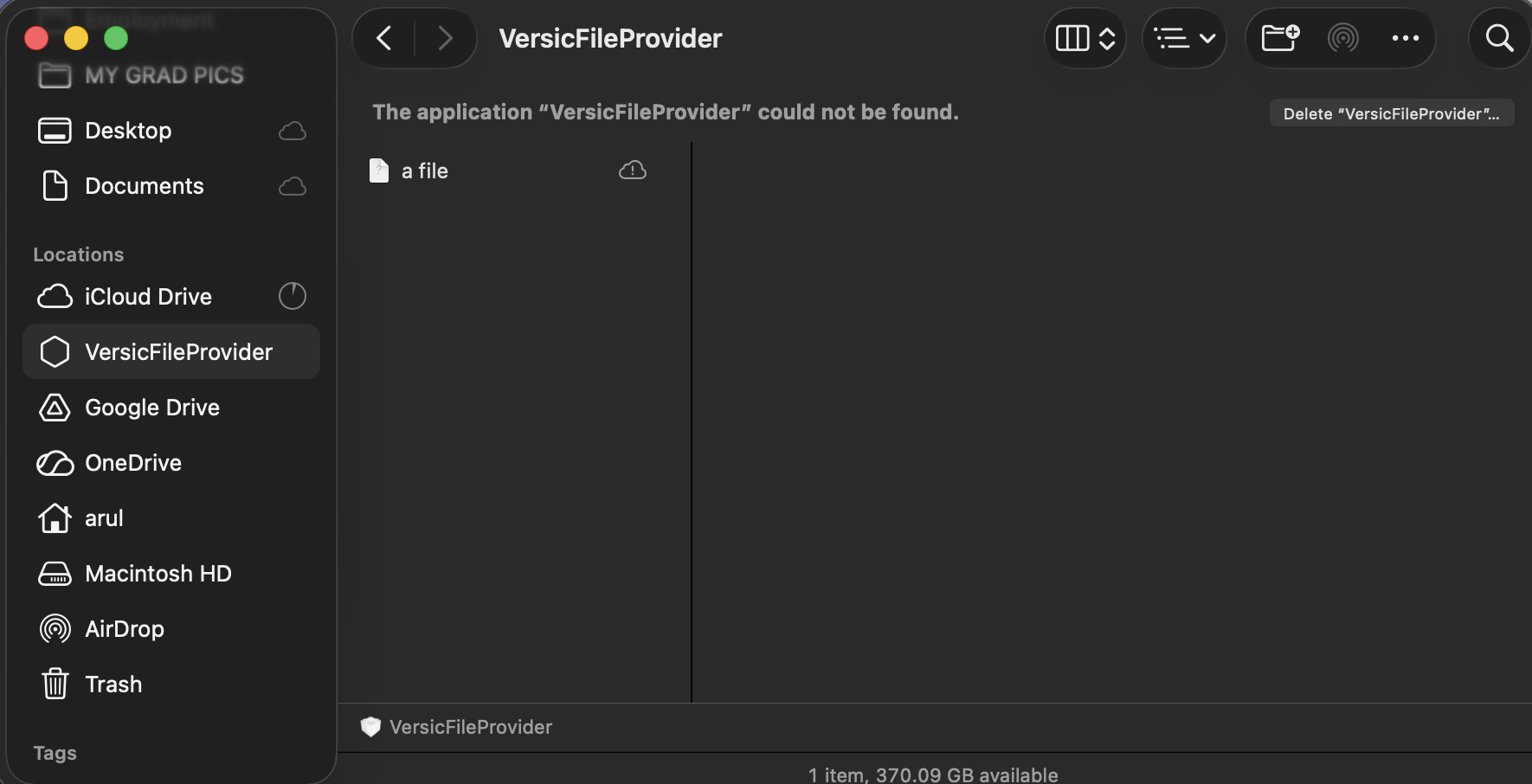
Save your project and watch it sync
Open your DAW and save to the Versic folder. That's it—no buttons to click, no manual uploads. Every save creates an automatic version, and everything syncs to the cloud instantly.
Works with Ableton and FL Studio (Logic Pro and Pro Tools coming soon), plus any DAW that saves to disk.
Track, Organize, Collaborate
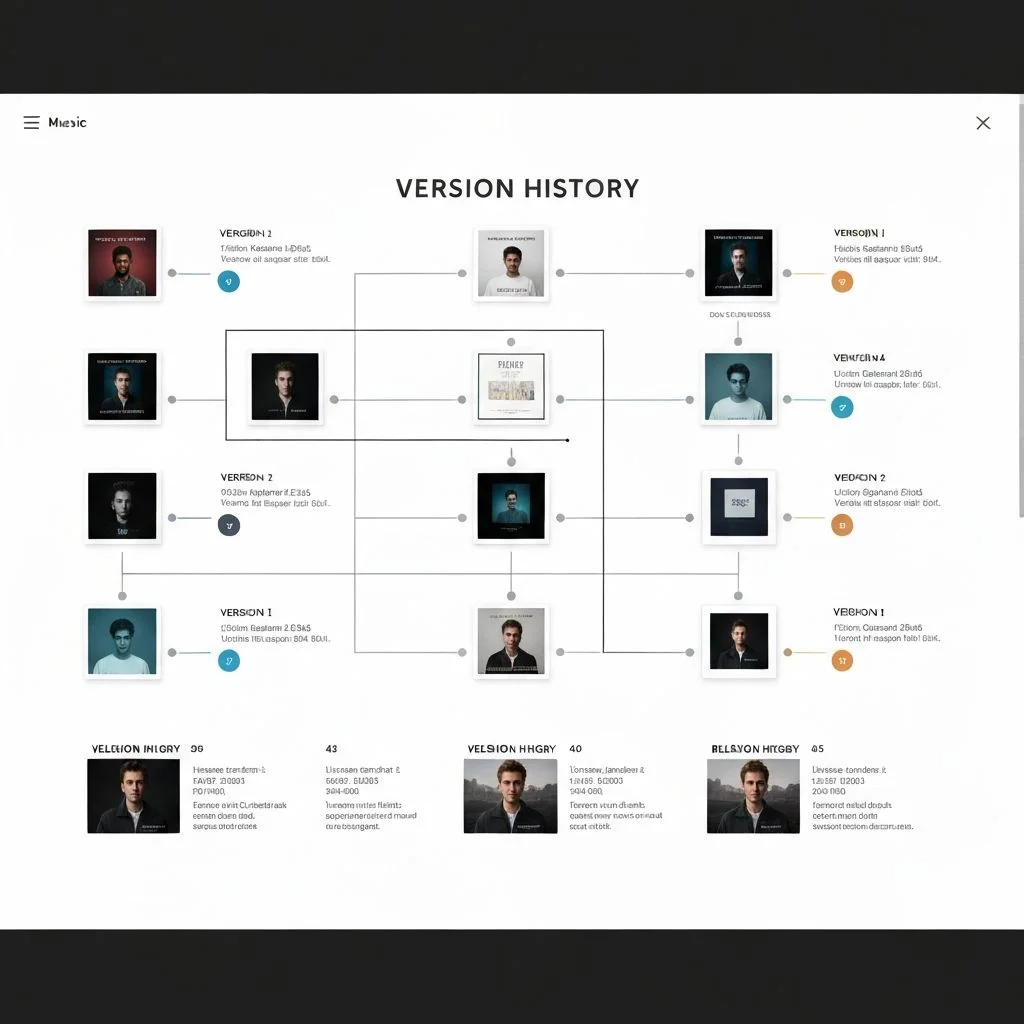
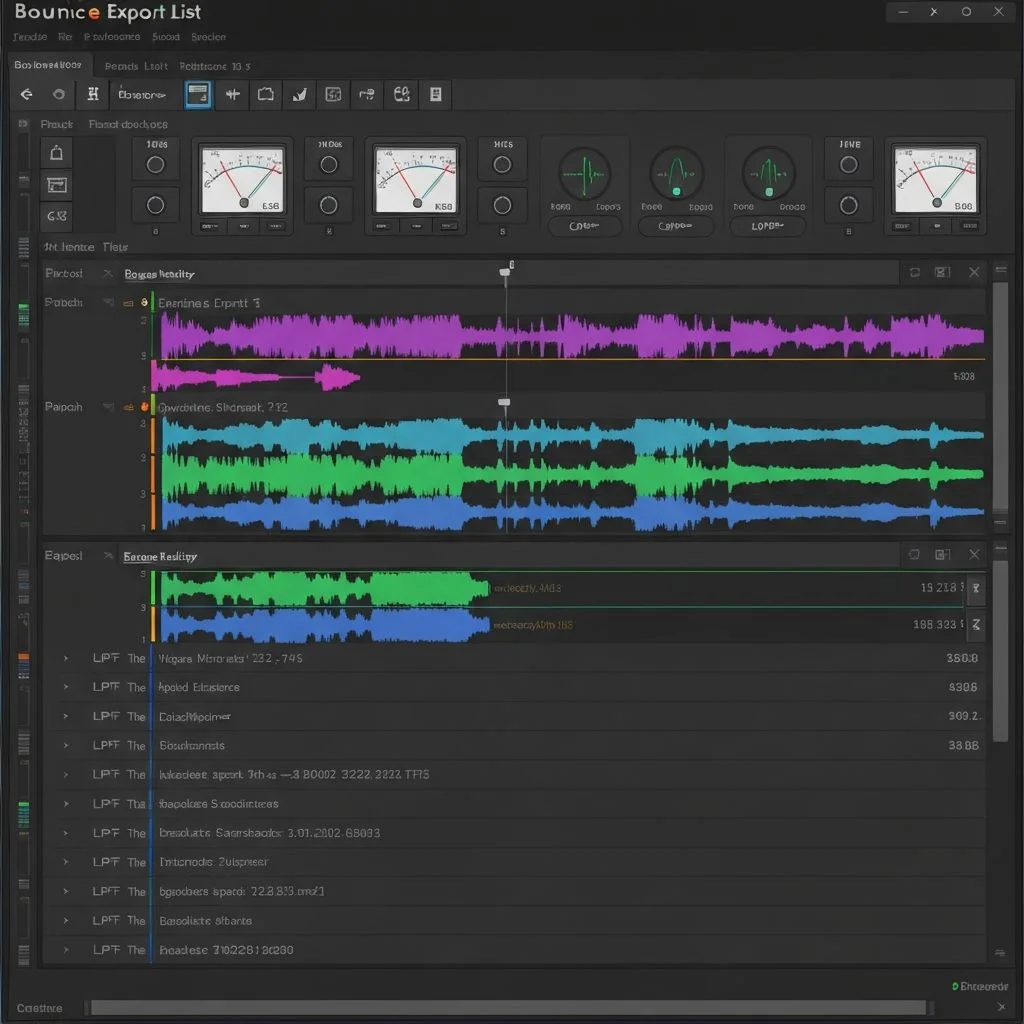
Once synced, unlock the full power of Versic. Browse version history, track bounces with LUFS metering, create shareable playlists, manage stems, and invite collaborators—all from one place.
Explore all 11 features in detail below.
Explore FeaturesBuilt for music production
Features designed around how producers actually work.
Native Finder Sync
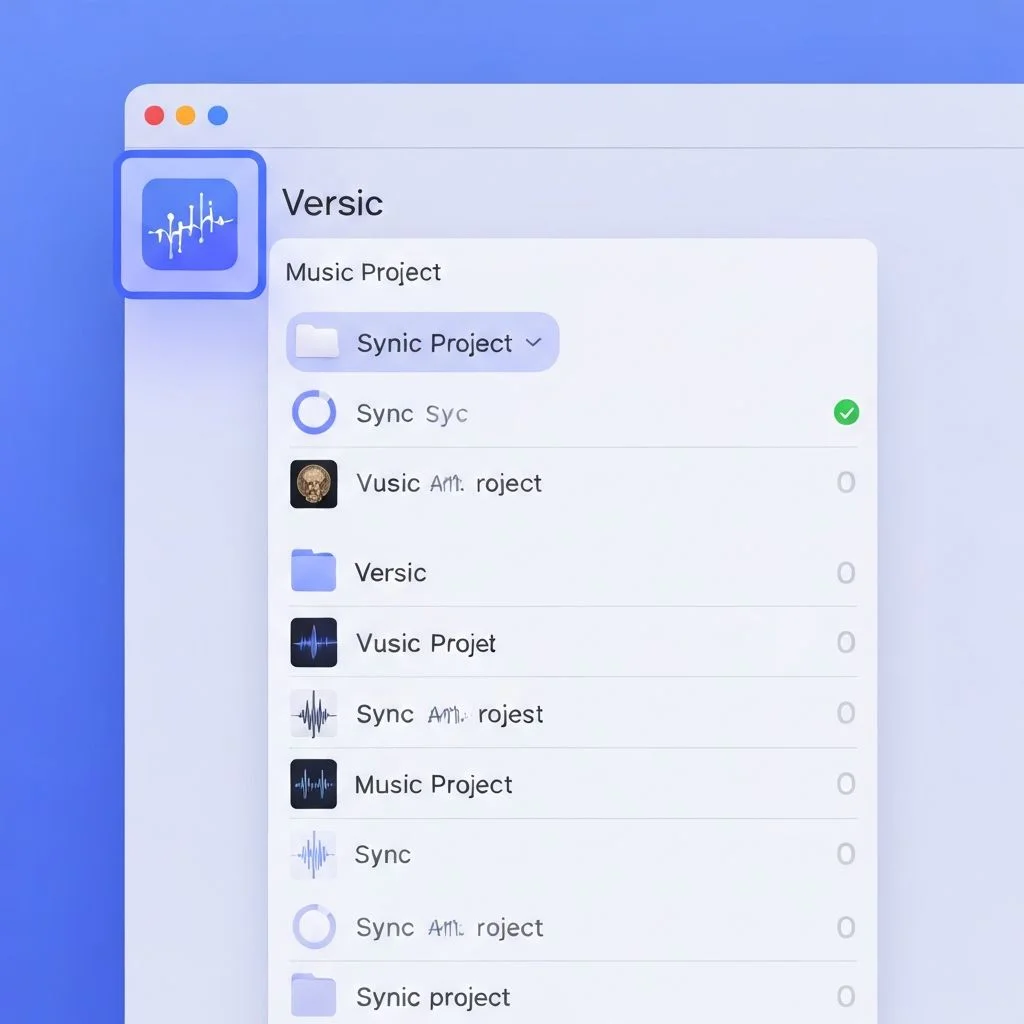
Versic installs as a native File Provider extension, appearing in your Finder sidebar just like iCloud Drive. Save projects to the Versic folder and they sync automatically.
- Appears as a native location in Finder
- Works with any DAW that saves to disk
- Offline access with smart sync
- Automatic conflict resolution


 Enter
Enter