
macOS & Windows
Desktop app
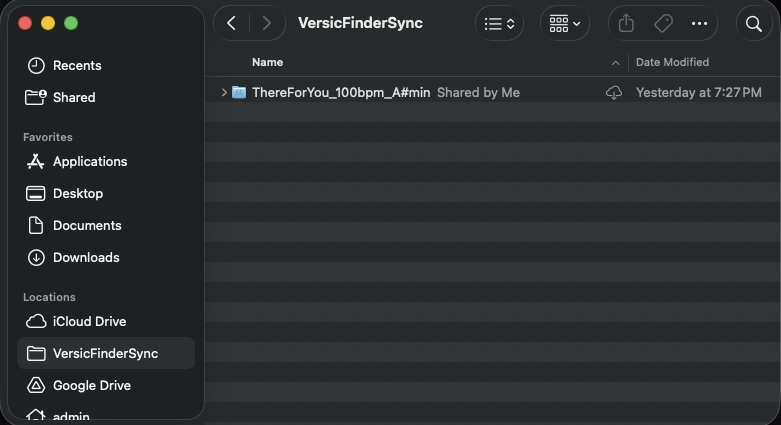
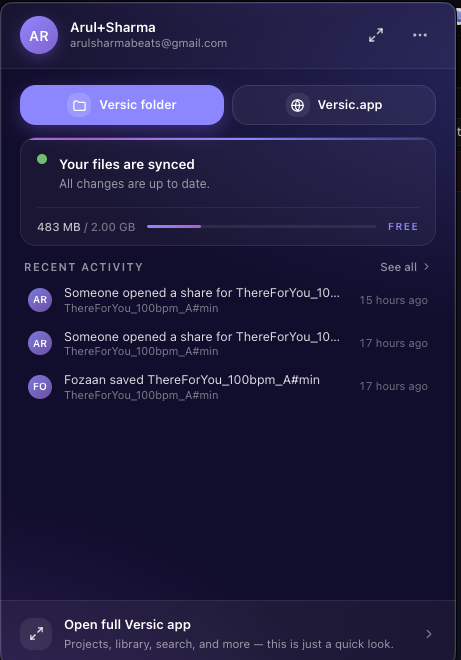
Plug Versic into Finder. Save from any DAW to your Versic folder and it streams to the cloud in real time — the latest version is on every device before you switch windows.
Download for macOS
Download for WindowsSoon
macOS & Windows
Plug Versic into Finder. Save from any DAW to your Versic folder and it streams to the cloud in real time — the latest version is on every device before you switch windows.
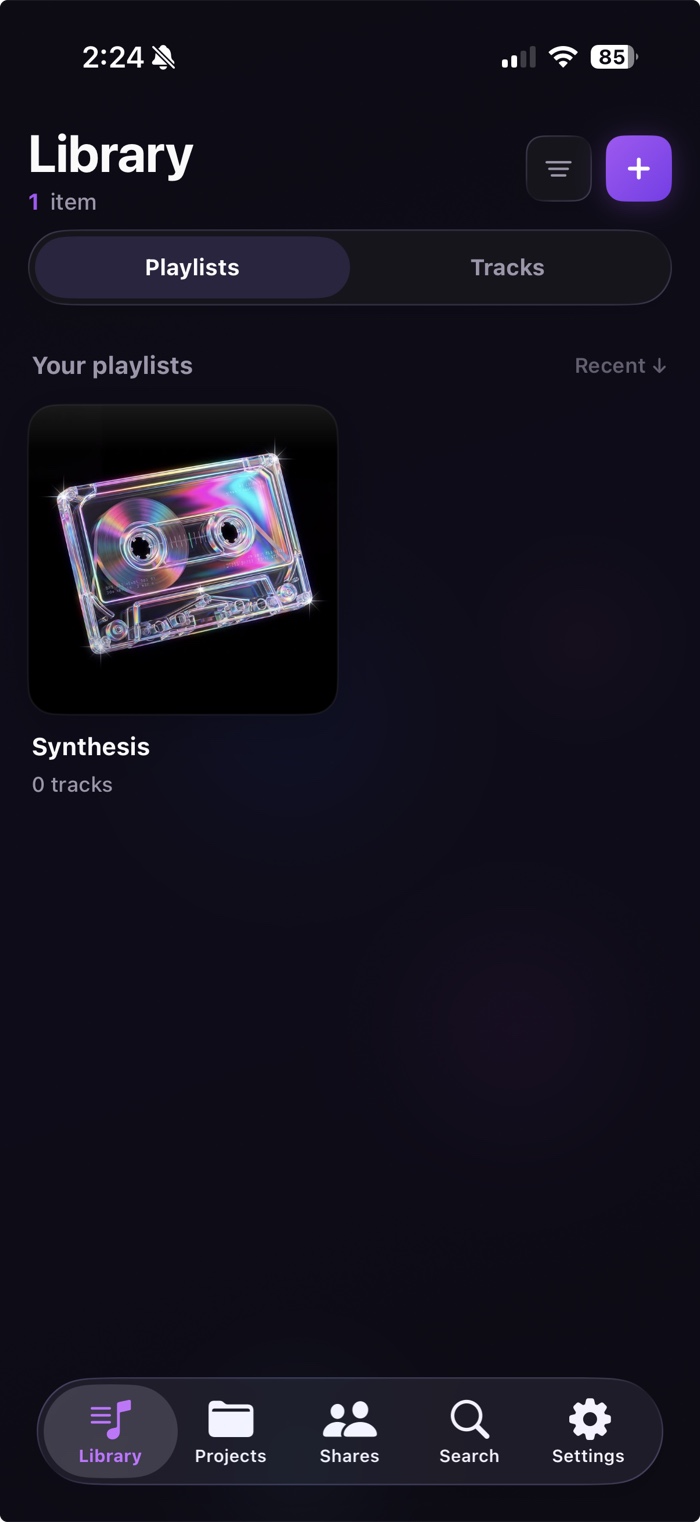
iOS & Android
Your whole catalog, synced and streaming. Review the latest bounce, queue feedback, and get a ping the moment a new version lands — wherever you are.
Everything about getting Versic onto your machine — and your phone.
All of them. The desktop app syncs a folder in Finder, so anything that can save or export into that folder — Ableton, Logic, FL Studio, Pro Tools — is picked up automatically.
No. Once the desktop app is watching your Versic folder, every save is detected and streamed to the cloud as a new version in real time. No exporting, no drag-and-drop.
Saves usually appear across your devices within seconds. The app uploads incrementally in the background, so even large project files sync without blocking your session.
It’s in active development for iOS and Android. The App Store and Google Play buttons above will go live the moment it ships.
macOS ships first. Windows support for the desktop sync app is on the way — until then you can manage everything from the web app on any platform.
Yes. Everything you’ve synced lives securely in the cloud and stays accessible from the web app and, soon, mobile. The desktop app is just the sync client — removing it never touches your projects.